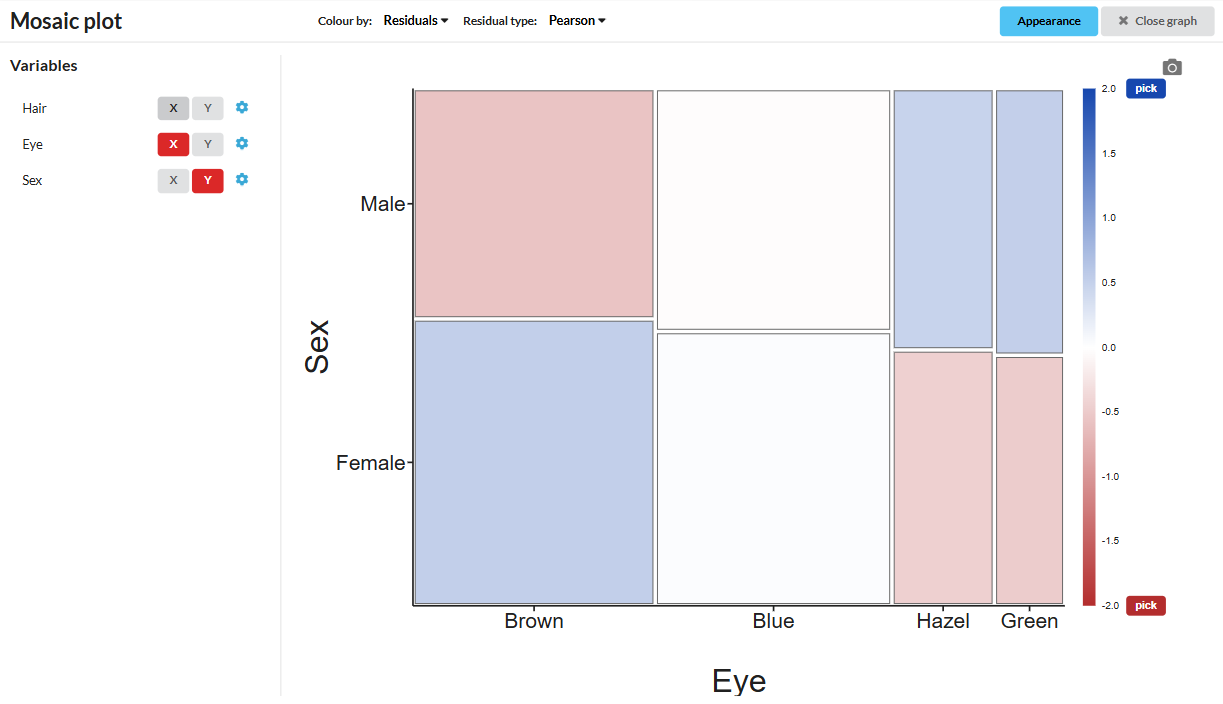
The Mosaic plot shows the distribution of categorical values in a 2D array, which can be a good way to convey insights about the dataset:
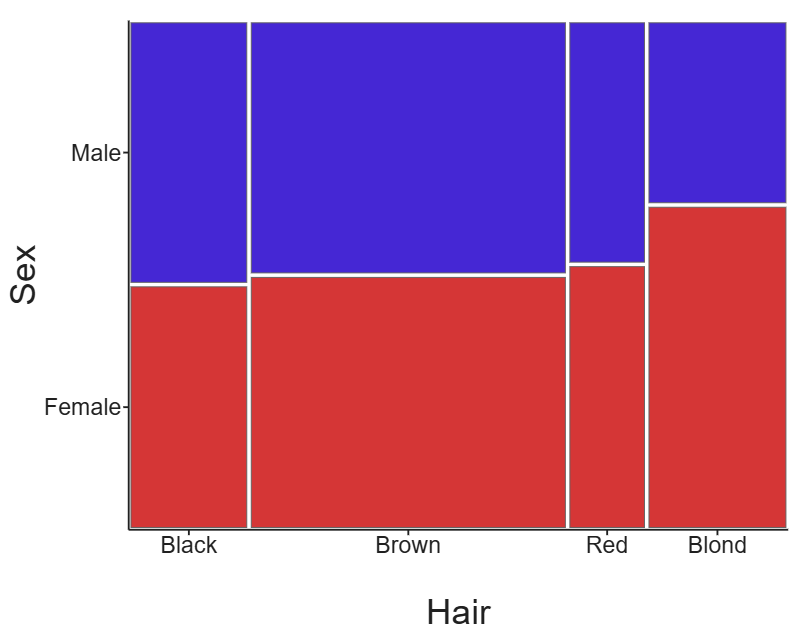
You can see this example - the hair and eye color dataset - in DataClassroom here.
Creating a mosaic plot
On the graph tab, go to Specialized graphs -> Mosaic plot:
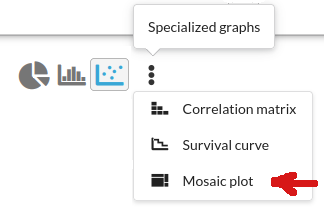
This will switch you into the Mosaic view, where you can select which columns of categorical data you want to apply to your axes:
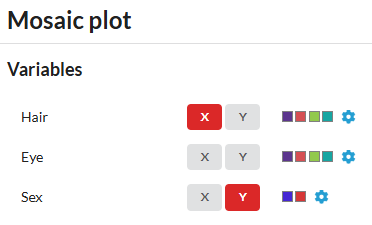
Choosing colors
You can choose to color by one of your variables, using the Color by option:
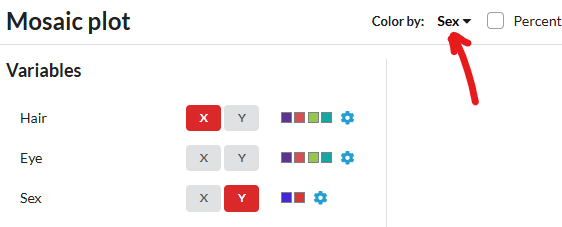
The colors it uses are the ones selected for the values of your categorical variables (same as Customizing categorical variables) and you can change them via the small gear icons.
Residuals
Alternatively, you can color by residuals. The default method is Pearson, but you can also select Freeman-Tukey or Deviance.