Sometimes you may want to aggregate your data and have the tool count how many rows have a given value of a categorical variable.
Or you might want to count combinations of two or more categorical variables. The Count function is found under Advanced in the left-hand menu:
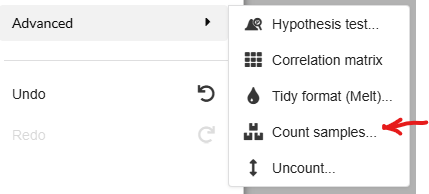
It will ask you which categorical columns you want to count the values from and what to call the column with the resulting Sample Count data.
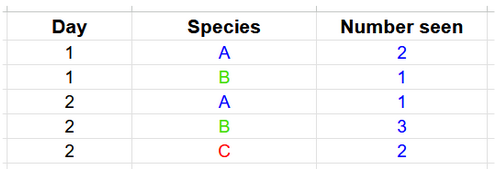
For example in the dataset below (on DataClassroom here), a set of observations of species A, B and C have been recorded for two different days, in Tidy format i.e. one observation per row:
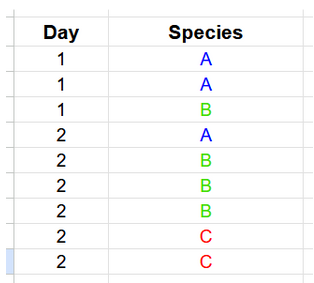
Using the Count function can get you a summary of the numbers of observations. Counting the combinations of Day and Species would result in something like this: